What’s actually slowing this PC down?
Pick the symptom - the matching free tool is one click away.
Some links on this page are affiliate links: if you buy through them we may earn a commission, at no extra cost to you.
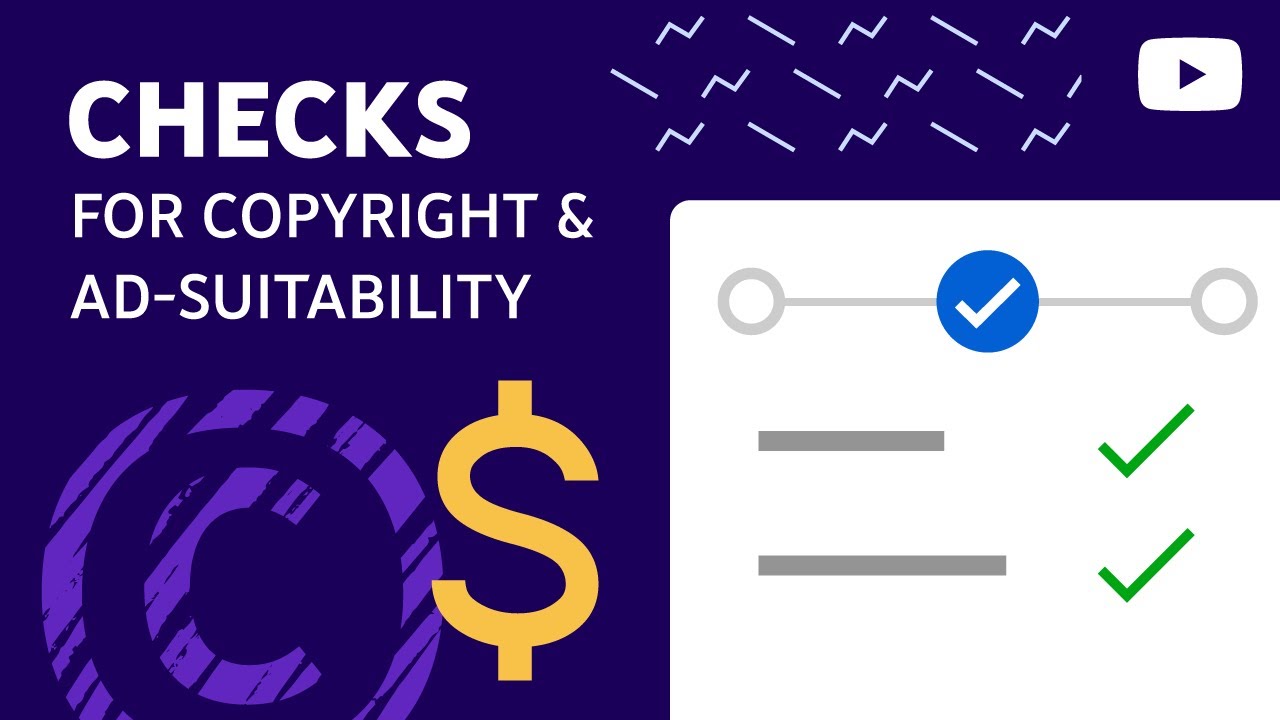
There is no reliable “copyrighted/not copyrighted” badge for a song on YouTube. Before publishing, identify the exact recording, confirm that your permission covers video use, and upload the finished edit privately or unlisted so YouTube Studio can run its Checks. Treat the result as a warning about platform risk, not as legal clearance: a clean check can miss a rightsholder, while a claim can be wrong or later change.
This process also applies to covers, remixes, karaoke tracks, samples, purchased beats and music labeled “royalty-free.” The safest decision comes from the license terms and your records, followed by a review of any claim details.


| Option | What you need | Best for |
|---|---|---|
| YouTube Audio Library | A track whose listing terms fit your video; required attribution when stated | Documentaries needing a straightforward YouTube-cleared replacement |
| Licensed track or direct permission | Written synchronization and master-use rights, with territory, term and monetization covered | Commercial, sponsored or high-visibility films |
| Private or unlisted test upload | Finished edit and enough processing time to review Checks and claim details | Finding possible Content ID matches before release |
Is the song protected, and which part of it do I need to clear?
Usually, a popular song involves at least two separate rights: the musical work (melody and lyrics) and a particular sound recording. The U.S. Copyright Office explains the distinction in its musician guidance. Permission for a purchased download normally covers listening, not synchronizing that recording with documentary footage.
Quick wins for a faster PC:
Scan for outdated or missing drivers - takes under a minuteDriver Scan →Clear out junk files and repair common Windows errorsFree Scan →Write down the artist, title, release, version and source. An original master, live take, cover, remix, karaoke or instrumental track can have different owners and policies. A cover may require permission for the composition even when you recorded the performance yourself; using someone else’s recording adds master-use rights. A purchased beat or sample may have limits on YouTube, monetization, territories, audience size or client work, so read its contract rather than relying on the seller’s description.
Popular on Amazon
Changing speed or pitch, lowering the volume under narration, using a short excerpt, or adding credit does not automatically create permission. A remix can contain rights in the source recording, composition and new production. “No copyright” in an uploader’s title is not evidence of a license.
How do I check a song before uploading?
Use this sequence for every track, including music that sounds familiar or is described as royalty-free.
- Identify the asset precisely. Record the artist, song, album or release, version, recording source and timestamps you plan to use. Label it as an original, cover, live performance, remix, karaoke/instrumental, sound-alike, sample or production-library file.
- Find the rights owner and permission route. Determine who controls the composition and who controls the recording. Ask for written synchronization permission for the music in video and master-use permission for the particular recording when both are involved.
- Check the scope, not just the word “licensed.” Confirm YouTube use, territories, term, monetization, attribution, editing, client or sponsored work, exclusivity, audience limits and whether the license survives after a subscription ends. Follow the licensor’s clearance process exactly, including registration or cue-sheet steps.
- Verify special labels. Creative Commons is a family of licenses, not a blanket waiver. Its conditions can require attribution, share-alike, noncommercial use or no derivatives; check the exact deed and, where necessary, the legal code at Creative Commons’ license list. A “royalty-free” track can still require a paid license and can still be fingerprinted by YouTube.
- Check YouTube’s own catalogues. Search the YouTube Audio Library and copy the individual listing’s attribution wording and terms into your project record. YouTube’s Creator Music catalogue may be available to some channels and regions; treat each track’s current terms, revenue split or license conditions as controlling rather than assuming all catalogue music is free.
- Upload privately or unlisted. Use the finished edit, not a rough audio test, and wait for processing. In Studio, the Checks panel searches for material that could trigger a Content ID claim, as described in YouTube’s official Checks guidance.
- Open every result. Inspect the claimant, matched timestamps, territories and policy. A clean result is not a legal opinion; an owner can add a reference file or change a policy later. Save a screenshot or export of the result for important projects.
- Decide before making the video public. If the result conflicts with your goals, obtain broader permission, replace the track, mute or trim the segment, or accept the stated policy only if its consequences are acceptable. Recheck immediately before release when the film is commercially important.
Will YouTube tell me if music is copyrighted?
YouTube can identify some likely matches, but it cannot certify that you have every required right. Content ID works from reference files supplied by participating rightsholders. YouTube’s eligibility guidance notes that material such as Creative Commons works, public-domain material, fair-use clips, karaoke, sound-alike recordings, mashups and some widely licensed production music may be excluded or restricted from reference use; see the Content ID policy topic. Therefore, no match may mean only that the work is not in the system or was not eligible for matching.
Also popular on Amazon
YouTube also provides an official overview of the upload process in its Creators video. Use Checks as a practical pre-publication screen, then rely on your license and documentation for the legal decision.
What is the difference between a Content ID claim and a strike?
A claim is generally an automated or owner-requested match applied to a video. YouTube says the owner may block the video, monetize it, or track its viewership; the policy can differ by country and by segment. Claims usually affect the video rather than the channel.
| Situation | Possible result | What to do |
|---|---|---|
| One recording matches in some territories | Monetization, tracking or blocking varies by country | Open the territorial policy and compare it with your release plan |
| Different owners match different portions | Multiple claims on one upload | Review each timestamp and clear every layer of music |
| One-to-three-minute Short has an active claim | The Short can be blocked regardless of the stated policy | Replace or remove the music, or secure the necessary rights before publishing |
| Valid copyright removal request | A copyright strike can be applied | Respond only with a genuine legal basis and keep your evidence |
A strike follows a separate removal-request process; it is not another name for an automated claim. An unfamiliar claimant is not automatically invalid, so inspect the details before disputing. YouTube does not decide the underlying ownership dispute for you.
Also popular on Amazon
Could a copyright exception apply?
Possibly, but an exception is fact-specific and jurisdiction-dependent. Fair use and comparable doctrines consider purpose, transformation, amount, market effect and other circumstances; an automated check cannot conclusively decide them. Documentary, criticism, news, education or quotation may strengthen an argument in some countries, but none is an automatic pass.
There is no universal “ten-second rule.” A short excerpt can still be the recognizable heart of a work, and a longer excerpt can sometimes be justified only by the facts. For a sponsored, political, commercial or high-visibility documentary, obtain written permission or professional legal advice instead of treating an exception as a guarantee.
Do I have permission to use this particular recording?
Ask for a written license or agreement that names the exact composition and recording and states:
- YouTube synchronization and master-use rights, where applicable;
- territories and the length of the license;
- monetization, advertising, client, festival and social-media uses;
- permission to edit, loop, fade, subtitle or place the music under dialogue;
- attribution language and any cue-sheet or registration requirement;
- whether rights are exclusive or nonexclusive and what happens when a subscription ends;
- how Content ID claims are released, whitelisted or handled; and
- any indemnity, performer, sample or underlying-composition obligations.
A credit line is good practice when requested, but it does not replace these rights. If a licensor supplies a clearance workflow, follow it and retain confirmation.
Also popular on Amazon
What legal alternatives work when a song is restricted?
- YouTube Audio Library. Select a listing whose current terms fit the documentary and reproduce its attribution exactly. Save the listing with the project files because catalogues and terms can change.
- Creator Music or a paid music library. Compare synchronization and master rights, YouTube-only versus multi-platform scope, territory, term, monetization, attribution, editing, Content ID handling, subscription renewal and post-subscription use. A lower upfront price is not better if the track can later be claimed or removed.
- Direct permission. Contact the composition publisher and recording owner, or their authorized representatives, and obtain the two permissions when both rights are implicated. Keep the signed agreement and payment record.
- Properly followed Creative Commons music. Verify attribution, commercial-use, derivatives and share-alike conditions for the exact license. Do not assume a CC label covers a separately uploaded recording or every platform.
- Public-domain material. Confirm both the underlying musical work and the particular recording under the law that applies to your release. An old composition can have a newly protected recording.
- Original or commissioned music. Put ownership, performer rights, editing rights, territories, term and YouTube permissions in a written composer agreement. A verbal promise from a collaborator is difficult to prove later.
- Replacement editing. In Studio, use the available mute, trim or replace tools only after checking that the resulting mix still works. Keep the original project so you can restore or revise the edit.
How we picked these routes
The useful comparison is not simply “free” versus “paid.” It is whether the route clears both relevant rights, permits your territories and term, allows monetization and editing, explains attribution, and provides a practical way to handle Content ID. For a claimed upload, compare the cost and time of licensing, replacing, muting or accepting monetization against the risk of a regional block or later removal.
Free tools Windows power users keep installed
One-click scans. No signup required.
What should I do after a claim appears?
Read the claim details first. Note the claimant, timestamps, territories, policy and whether the match concerns the composition, recording or both. If you have no permission, remove, mute or replace the track, or obtain a license that covers the missing rights.
Dispute only with a legitimate basis. Appropriate grounds can include a valid license, ownership, a genuine copyright exception, or a demonstrable misidentification. Attach concise evidence and explain the relevant permission. Do not dispute merely because the clip is short, credited, slowed, remixed or quiet; YouTube warns that an unsupported dispute can escalate to a removal request and strike.
Also popular on Amazon
If the licensor promised to release or whitelist a claim, follow that licensor’s stated clearance process and keep the ticket, email or release confirmation. A validly licensed song can still trigger a claim, so documentation may be needed to get it released.
How should I keep proof of clearance?
Maintain an audit folder for each film containing the project file, final audio, license or agreement, invoice, download date, attribution text, screenshots of listing terms, correspondence, claim notices and dispute outcomes. Record the exact version and timestamps used. Recheck policies immediately before publication and again when a long-lived documentary is republished, because owners, territories, reference files and platform rules can change.
The Tool Desk
Outbyte PC Repair FREERepair Windows errors before they cause bigger problemsFix Now →Outbyte Driver Updater FREEScan for outdated or missing drivers - takes under a minuteDriver Scan →Frequently Asked Questions
Can I use a cover version of a famous song on YouTube?
Recording the cover yourself may avoid the original master recording, but it does not automatically clear the musical composition. Obtain the permission required for the composition and check whether your recording, distributor or platform arrangement creates additional obligations.
Does changing a song’s pitch or speed make it safe to use?
No. A modified track can still contain the protected composition and recording, and automated systems or rightsholders may recognize it. Permission depends on the rights granted, not on the technical alteration.
Why was my royalty-free music claimed?
“Royalty-free” usually describes how payment is structured, not a promise that no claim will occur. The library, composer or another customer may have supplied a reference file to Content ID; use your license and the library’s claim-release procedure to resolve it.
Can I use public-domain music in a documentary?
Confirm the public-domain status of both the composition and the exact recording in the countries where you will publish. A newly performed or recorded version can have its own protection even when the underlying tune is old.






Say something about this film