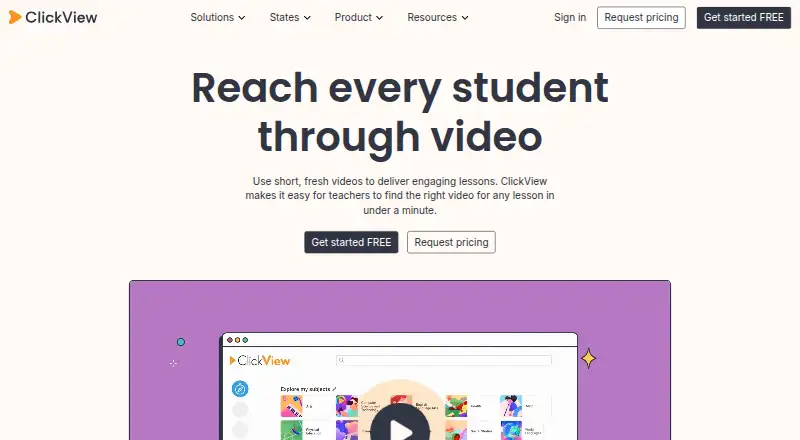
At a glance
ClickView is a video-learning platform for schools, offering standards-aligned educational videos for K–12 lessons. Teachers can use existing interactive quizzes or make quizzes from videos, including their own uploads. Results show which questions students found difficult and who skipped or did not watch a video. Teachers can also upload videos, make clips and playlists, and share them with students. The service lists rostering integrations including ClassLink, Clever, Google Classroom, Microsoft, PowerSchool, Schoology, Canvas and Blackboard; its Canvas plugin supports searching ClickView and My Videos and embedding videos in course pages. ClickView describes tiered access, changing passwords, encryption and access-recording systems. It says it does not sell student personal information to advertisers or target advertising to students or children. It lists AWS hosting in Australia and the United States. Mobile apps are available, with documented offline viewing on iOS and Android. The free teacher account costs 0.00 USD per free. Free school access starts at 10 video streams monthly; colleague invitations can raise the allocation to 35. Annual school or district subscriptions are available, with unlimited streaming for full institutional access; the subscription price is not listed.
Who it is for
ClickView is aimed at K–12 teachers and schools that want classroom video, quizzes, and tools for sharing teacher-created clips and playlists. Its student insights and listed school integrations may suit school and district use.
What is good
- Free teacher account costs 0.00 USD per free
- Teachers can create quizzes from uploaded videos
- Student results show difficult questions and skipped videos
- Offline video viewing is documented on iOS and Android
- Full institutional access includes unlimited streaming
What to know first
- Free school access starts at 10 monthly streams
- School or district subscription price is not listed
- Free allocation tops out at 35 monthly streams
DocumentaryTube review
ClickView: the full review
ClickView combines educational video with quizzes, classroom sharing, and student response information. The free school stream allocation is limited, while full institutional access offers unlimited streaming at an unlisted subscription price.
Overview
ClickView is a video learning platform for schools, offering standards-aligned educational videos for K–12 lessons. Founded in 2003 and headquartered in Sydney, Australia, it serves elementary, middle and high schools, as well as districts. Its focus is classroom use: teachers can share videos with students, build playlists and clips, and use quizzes and student results to support lessons.
For schools considering educational video libraries, ClickView combines a video collection with tools for assigning and working with video. Its free teacher account makes limited school access available, while full institutional access is offered through an annual subscription.
Key features
Quizzes and student insights
Teachers can use prepared interactive quizzes or create quizzes from videos, including videos they upload. Results show which questions students found difficult. Teachers can also see who skipped a video or did not watch it, giving them information about participation and understanding.
Uploads and classroom sharing
Teachers can upload videos, make clips and playlists, and share content with students. Video downloads are supported, and the platform documents offline viewing through its iOS and Android apps.
Integrations and Canvas
ClickView lists rostering integrations with ClassLink, Clever, Google Classroom, Microsoft, PowerSchool, Schoology, Canvas and Blackboard. Its Canvas plugin lets educators search ClickView and My Videos, then embed videos in course pages.
Security and student privacy
ClickView describes several security measures, including tiered access to the platform, regularly changed passwords, encryption software and systems that record platform access. It says it does not sell students’ personal information to advertisers or target advertising to students or children. ClickView lists AWS hosting in Australia and the United States and says platform data is held in its encrypted AWS environment.
Pricing
ClickView uses a freemium model. The Free teacher account costs 0.00 USD per free. Free school access starts with 10 video streams per month; each accepted colleague invitation adds five streams, up to a maximum of 35 per month.
A free trial is available. Annual School or district subscriptions are also available, but their price is not listed. Full institutional access includes unlimited streaming.
Platforms
ClickView is available on the web, Android and iOS. The iOS app provides access to videos and resources on iPhone and iPad. The platform documents offline video viewing on both iOS and Android.
Who it's for
ClickView is aimed at K–12 schools and districts seeking educational video for lessons, with tools for teachers to share material, build quizzes and review student responses. Its mix of age-range offerings spans elementary, middle and high school. Rostering integrations and the Canvas plugin may also fit schools that want video access connected to their classroom systems.
Pros and cons
- Pros: Interactive quizzes can be made from both ClickView videos and teacher uploads.
- Pros: Results identify difficult questions and indicate when students skip or do not watch videos.
- Pros: Teachers can upload, clip, organize and share videos; offline viewing is documented for mobile apps.
- Pros: Free school access is available, with additional monthly streams for accepted colleague invitations.
- Cons: The free allocation is limited to 10 streams per month initially and 35 at most.
- Cons: The price for an annual school or district subscription is not listed.
Alternatives
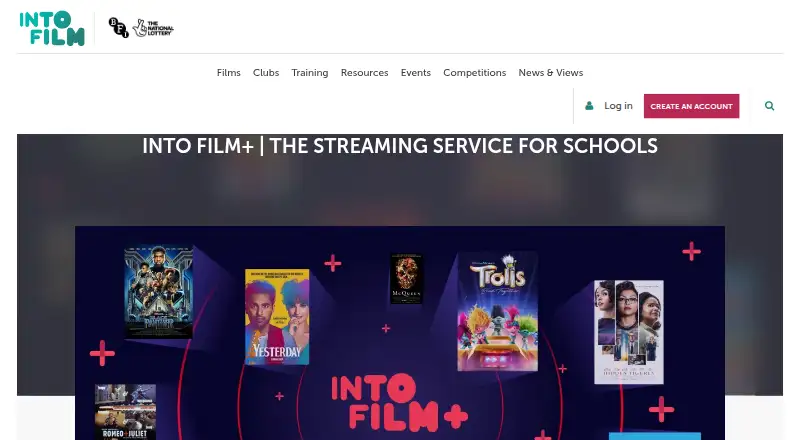
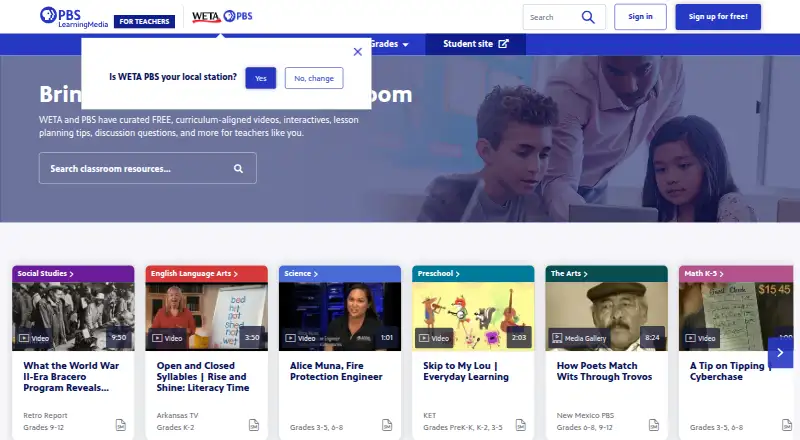
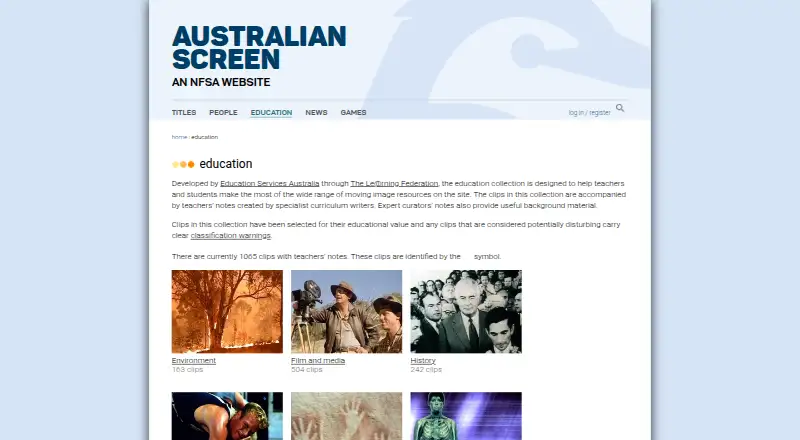
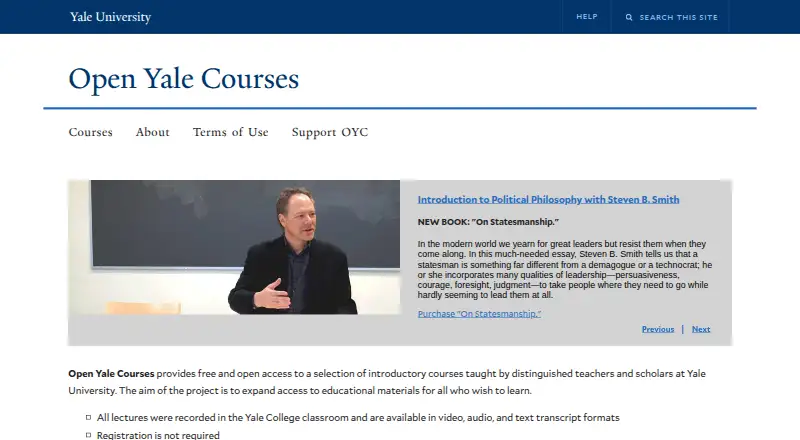
Other education-focused video and media services include NFB Education, PBS LearningMedia, SAFARI Montage Video Streaming Library, BrainPOP, Classroom Video On Demand, TED-Ed, NFSA Digital Resource Finder and Informit EduTV.
Verdict
ClickView is built around classroom video use rather than viewing alone: it pairs educational content with quizzes, sharing tools, integrations and student response information. The free teacher account offers a way to begin, though its stream limit is modest for a school. Schools that need unlimited streaming can consider an annual institutional subscription, with pricing requiring further clarification.
ClickView plans and pricing
All plansCompared on educational video libraries
- Free plan
- Yesclickvieweducation.com
- Primary audience
- k12clickvieweducation.com
- Video downloads
- Yesclickvieweducation.com
- Classroom tools
- Yesclickvieweducation.com
- Admin analytics
- Yesclickvieweducation.com
- Mobile access
- Yesclickvieweducation.com
Facts
- Purpose
- ClickView is a video learning platform for schools, with standards-aligned educational videos for K–12 lessons.clickvieweducation.com · 29 Sept 2026
- Interactive quizzes
- Teachers can use pre-made interactive quizzes or create quizzes from videos, including videos they upload.clickvieweducation.com · 29 Sept 2026
- Student insights
- Interactive video results show teachers which questions students found difficult and who skipped or did not watch a video.clickvieweducation.com · 29 Sept 2026
- Teacher uploads
- Teachers can upload videos, create clips and playlists, and share content with students.clickvieweducation.com · 29 Sept 2026
- Integrations
- The site lists rostering integrations including ClassLink, Clever, Google Classroom, Microsoft, PowerSchool, Schoology, Canvas, and Blackboard.clickvieweducation.com · 29 Sept 2026
- Canvas support
- The Canvas plugin lets educators search ClickView and My Videos and embed videos in course pages.clickvieweducation.com · 29 Sept 2026
- Security
- ClickView says it uses tiered platform access, regularly changed passwords, encryption software, and systems that record platform access.clickvieweducation.com · 29 Sept 2026
- Student privacy
- ClickView says it does not sell student personal information to advertisers or engage in targeted advertising to students or children.clickvieweducation.com · 29 Sept 2026
- Data hosting
- ClickView lists AWS hosting in Australia and the United States and says platform data is held in its encrypted AWS environment.clickvieweducation.com · 29 Sept 2026
- Mobile apps
- The iOS app provides access to videos and resources on iPhone and iPad, and ClickView documents offline video viewing on iOS and Android.clickvieweducation.com · 29 Sept 2026
- Free account limit
- Free school access starts at 10 video streams per month; each accepted colleague invitation adds five, up to 35 streams per month.clickvieweducation.com · 29 Sept 2026
- Support
- ClickView's help pages direct users to email [email protected] or submit a support ticket.clickvieweducation.com · 29 Sept 2026
- Audience
- ClickView describes itself as a video solution for schools and lists elementary, middle, high school, and district offerings.clickvieweducation.com · 29 Sept 2026
Company
- Founded
- 2003clickvieweducation.com · 23 Sept 2026
- Headquarters
- Sydney, Australiaclickvieweducation.com · 23 Sept 2026
Best ClickView alternatives
See all 12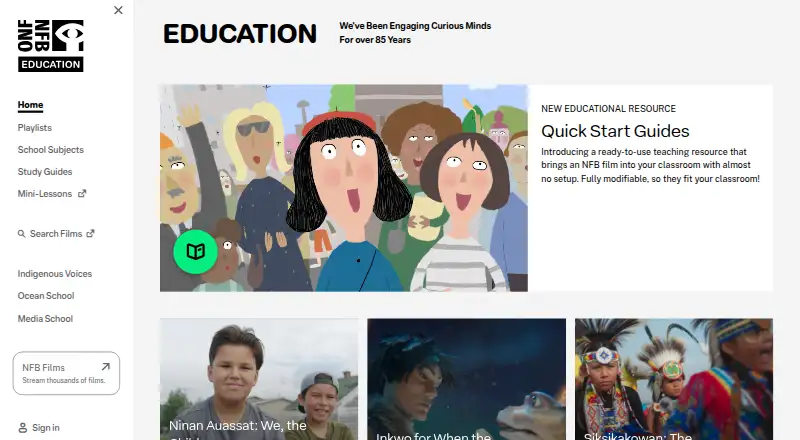
Where it ranks on DocumentaryTube
Is ClickView yours?
Claim it for free: prove the domain, then correct facts, plans and screenshots. An editor reviews every change.
Sources
- clickvieweducation.com/product· checked 29 Sept 2026
- clickvieweducation.com/product/interactive-videos· checked 29 Sept 2026
- clickvieweducation.com/product/upload· checked 29 Sept 2026
- clickvieweducation.com/product/rostering· checked 29 Sept 2026
- clickvieweducation.com/help/integrations/learning-management-s· checked 29 Sept 2026
- clickvieweducation.com/en-gb/legal/gdpr· checked 29 Sept 2026
- clickvieweducation.com/en-gb/legal/privacy-policy· checked 29 Sept 2026
- clickvieweducation.com/legal/sub-processors· checked 29 Sept 2026
- clickvieweducation.com/help/using-clickview/apps/ios-app· checked 29 Sept 2026
- clickvieweducation.com/help/using-clickview/watch-videos/month· checked 29 Sept 2026
- clickvieweducation.com/help/integrations/share-integrations· checked 29 Sept 2026
- clickvieweducation.com/about· checked 29 Sept 2026